
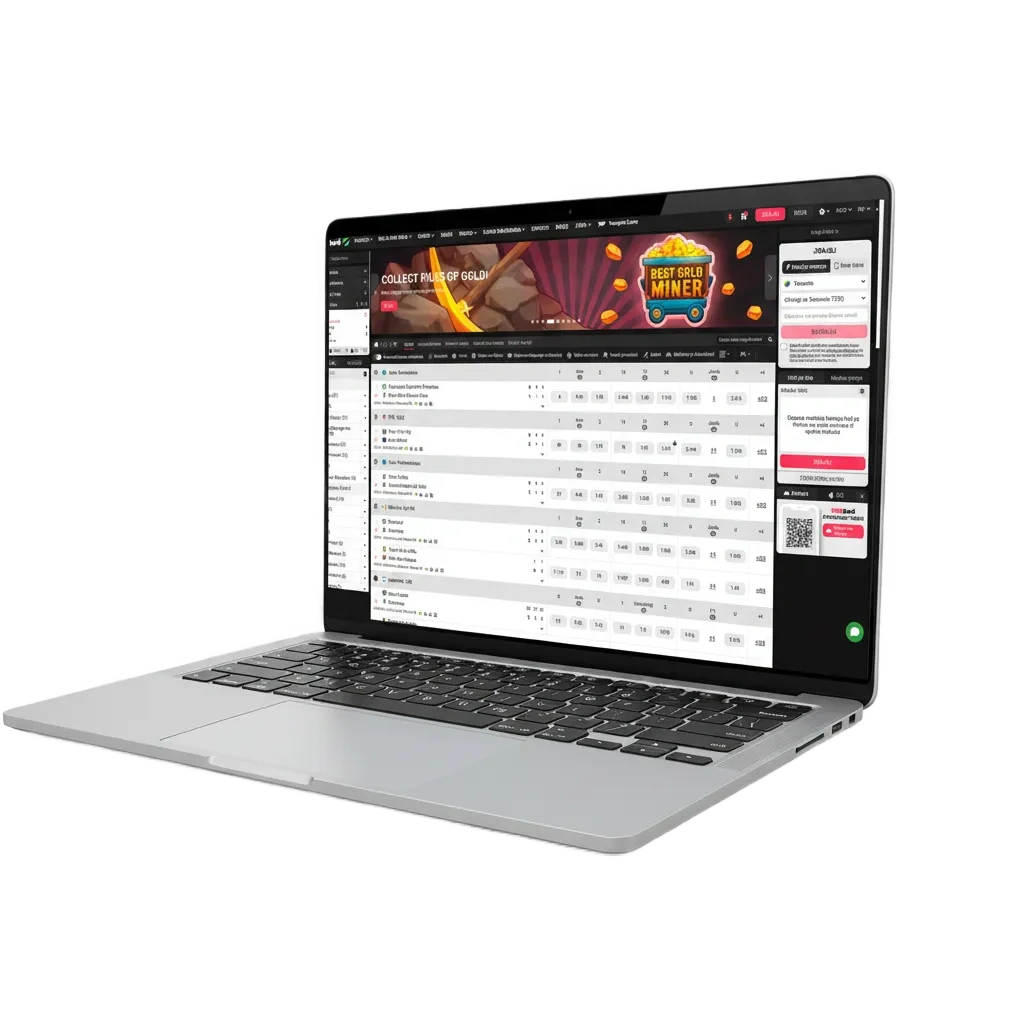
Click download
Press the button below to start the download.
DBBet for PC gives you live casino, roulette, slots, table games, and full sports betting in one desktop app. DBBet download for PC is free and offers the same functions as the website, plus faster loading, full-screen play, and steadier performance.
100% up to 1 500 € welcome bonus
DBBet PC app loads games faster, supports full-screen layouts, reduces browser lags. It mirrors the site while adding a desktop-first experience.
| PC Client Size | Approx. 120–150 MB |
| Available Languages | English, Swahili, French, Arabic |
| Category | Sports Betting, Live Casino, Slots, Table Games, Instant Games, Virtual Sports |
| Compatible with Windows | Windows 8.1, Windows 10, Windows 11 (64‑bit) |
| Compatible with macOS | macOS 11 Big Sur, 12 Monterey, 13 Ventura, 14 Sonoma |
Installing the desktop app suits players who want speed and stability. Here is a quick look at the pros and the trade-offs.
| Pros | Cons |
|---|---|
| Faster game loading and bet placement | Needs storage space on your computer |
| Full-screen casino and sportsbook interface | Updates must be installed from time to time |
| Stable performance on long sessions | Only runs on desktop, not on mobile |
| Multi-table live casino view | |
| Keyboard shortcuts and quick search | |
| Persistent login option on trusted computer | |
| Lower CPU/RAM use than heavy browser tabs |
The Windows app runs on most modern PCs and supports Windows 8.1, 10, and 11. Minimum 4 GB RAM, 1 GB free space, and a stable internet connection are recommended.
Press the button below to start the download.
Save the .exe file to your computer.
Double-click the file to begin installation.
If SmartScreen appears, choose More info then Run anyway.
Pick an install location and continue.
Complete the wizard and close it.
Open the app, log in or create an account.
The DBBet app for Mac works on macOS 11 or newer and supports Intel and Apple silicon devices. Minimum 4 GB RAM, 1 GB free space, and a stable internet connection are recommended.
Press the button below to get the .dmg file.
Double-click to mount the installer.
Move the app into your Applications folder.
If blocked, go to System Settings > Privacy & Security and Allow from identified developer, then open again.
Open the app from Applications and log in or register.
Updates keep the app secure, fast, and compatible. Follow these steps to install the latest version when available.
Click the DBBet PC icon to access the site.
Go to Menu > Settings > Updates, or accept the update prompt.
Click Update now and wait for the process to finish.
Reopen and continue betting and casino play.
Create your account in the PC app to access sports, casino, local methods, and bonuses. Registration takes a few minutes and your details stay on your device.
Launch from your desktop or Applications.
Use the button on the top bar.
Sign up by mobile number or email in one step.
Enter the code, set a password, add account details, and log in.
You do not need the app to enjoy everything on the official site. DBBet app for Windows is optional and the website still offers betting and casino on your computer. Use your browser to place bets, spin slots, and join live tables. Your account, balance, and limits stay the same.
Help is available for desktop users day and night. Pick the contact option that suits you best.
Yes. Download and use are free. Data charges from your provider may apply.
Yes. Your account works across desktop and browser.
A modern system is enough. Aim for 4 GB RAM, 1 GB free space, and stable internet.
Yes. The catalogue matches the site and mobile, presented in a desktop layout.
On Windows, remove it via Apps & Features. On Mac, drag it from Applications to Bin.