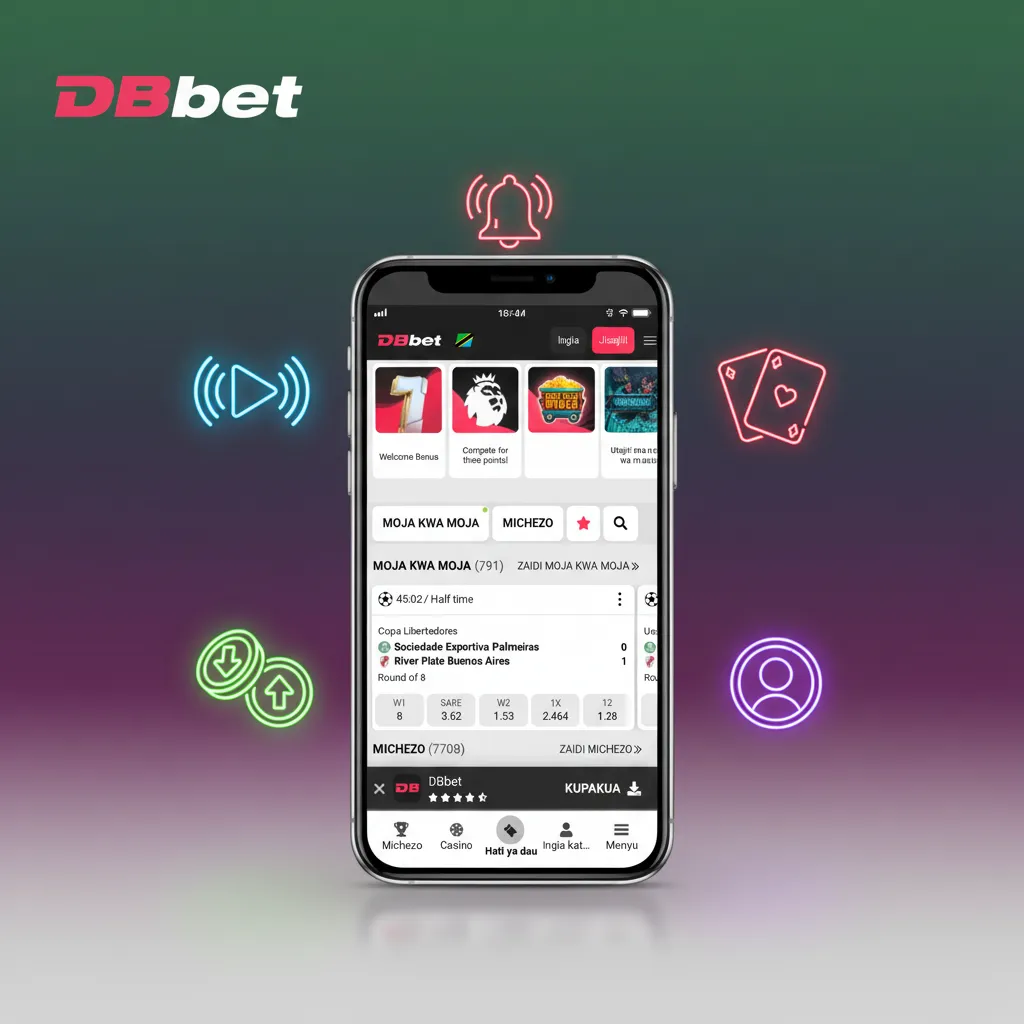
DBBet iOS app for fast betting and real-money play

DBBet brings real-money sports and casino to your iPhone in Tanzania. Install in seconds and start betting or spinning. New players get 100% up to 1 500 €. Tap Download for iOS to begin now.

100% Welcome Bonus 1 500 €

For new players

DBBet iOS app on iPhone featuring sports betting and casino in Tanzania, with 100% welcome bonus up to €1,500.

DBBet App Overview for iPhone users in Tanzania

Use the iOS experience to bet faster and play casino games on the go. The app runs as a web-based iOS shortcut, so no heavy download. Your account, bets, and payments stay synced on mobile and desktop.

You get full sportsbook and casino features in one place.

App type iOS Web App shortcut (PWA style)
App size No full download. Uses browser cache only
Last update Auto-updates on launch. No manual updates needed
Bonuses 100% up to 1 500 € welcome. Sports boosts and casino promos
Supported languages English, Swahili
Payment methods M-Pesa, Tigo Pesa, Airtel Money, HaloPesa, Visa, Mastercard, Bank transfer
Promo code Optional. Not required for signup

Welcome bonus

100% up to 1 500 €

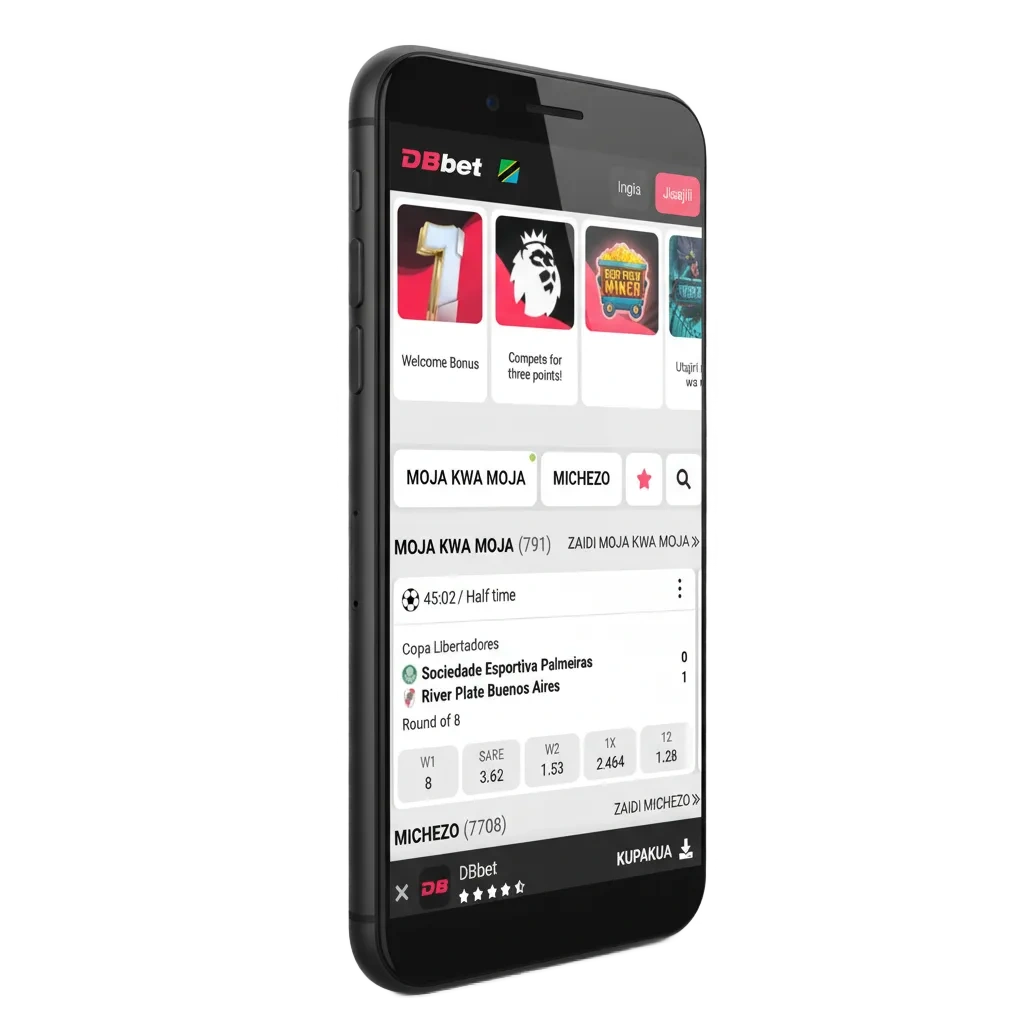
DBBet App Interface preview on iOS

How to install DBBet on iOS in Tanzania

Install the iOS shortcut in minutes. Use Safari for the best result.

You complete setup once and access the app from your Home Screen.

Step 1

Open DBBet in Safari

Launch Safari on your iPhone and go to the official DBBet site.
Step 2

Tap the Download for iOS button

Use the Download for iOS button to open the install prompt.

Step 3

Add DBBet to your Home Screen

Follow the on-screen prompt to add the icon to your Home Screen.

Step 4

Launch the app icon and sign in

Open the DBBet icon, log in or register, and start playing.

System Requirements for Using iOS App

Minimum requirements

Item Minimum
iOS version iOS 12 or later
Processor Apple A8 or newer, 1.4 GHz equivalent or better
Memory 1 GB RAM or more

If your device meets these, you get a smooth experience.

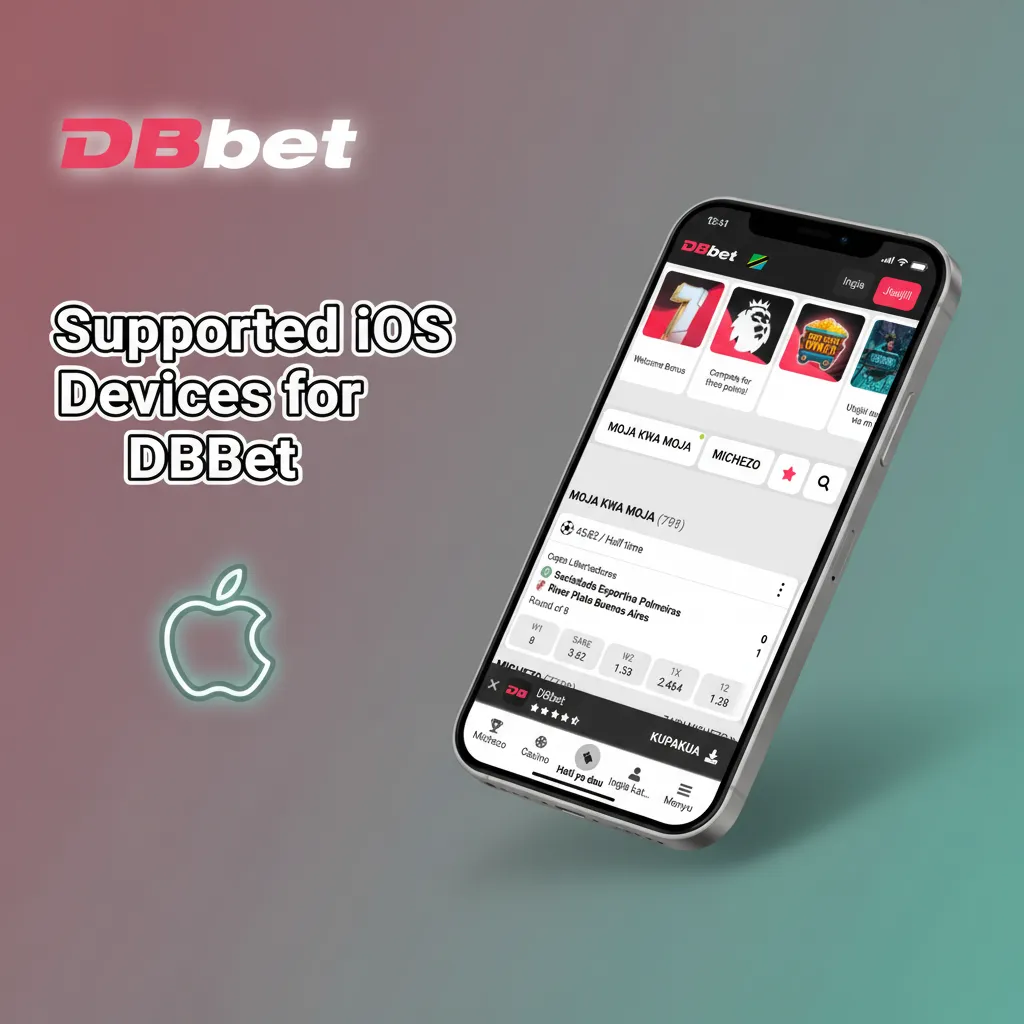
Supported iOS Devices for DBBet

Compatible Apple models

  • iPhone 6s
  • iPhone 7
  • iPhone 8
  • iPhone X
  • iPhone XR
  • iPhone 11
  • iPhone 12
  • iPhone 13
  • iPhone SE (2nd gen or newer)
  • iPhone 14
  • iPad 6th gen or newer
  • iPad Air 3 or newer
  • iPod touch 7th gen

Newer models also run DBBet without issues.

DBBet compatible Apple devices: iPhone 6s–14, iPhone SE (2nd gen+), iPad 6th gen+/Air 3+, iPod touch 7th; newer supported

DBBet App as a PWA on iOS

You can use DBBet as a Progressive Web App. It installs as a secure shortcut and updates itself.

This gives you fast access without visiting the browser each time.

Step 1

Click the “Download for iOS” button below

Tap the button to open the install flow in Safari.

Step 2

Register an account

Create your account so you can bet and play casino games.

Step 3

Tap “Share” button

Use the Share icon in Safari to open iOS options.

Step 4

Tap “Add to Home Screen”

Confirm Add to Home Screen to place the DBBet icon on your device.

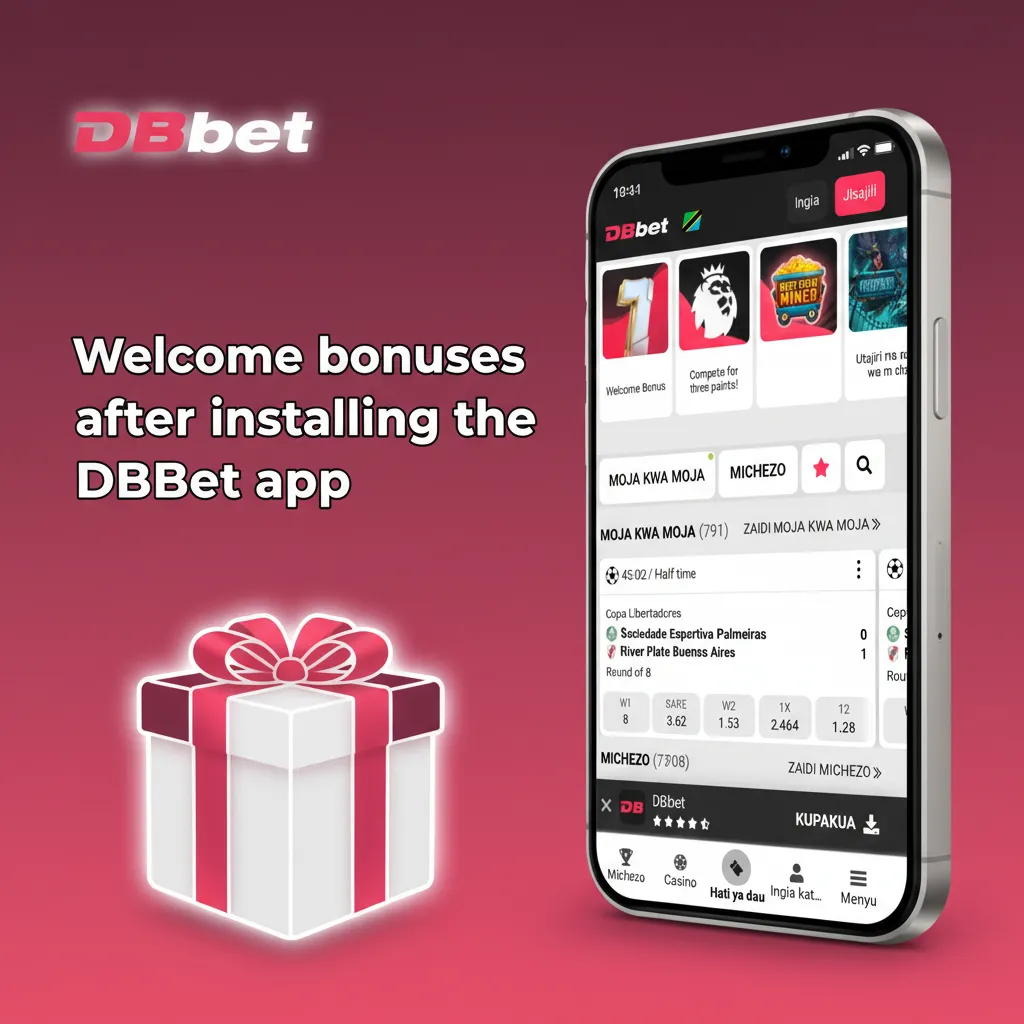
Welcome bonuses after installing the DBBet app

Get a 100% bonus up to 1 500 € on your first deposit. Read the terms before you play and keep an eye on wagering rules.

  • Sports welcome offer for new bettors
  • Casino welcome for slots and table games
  • Free spins on select slots when available
  • ACCA boost and odds boosts on key events
  • Reloads, cashback, and seasonal promos

Bonuses change over time, so check the Promotions page in the app.

Welcome bonuses after installing the DBBet app: 100% up to €1,500; sports & casino offers, free spins, ACCA and odds boosts.

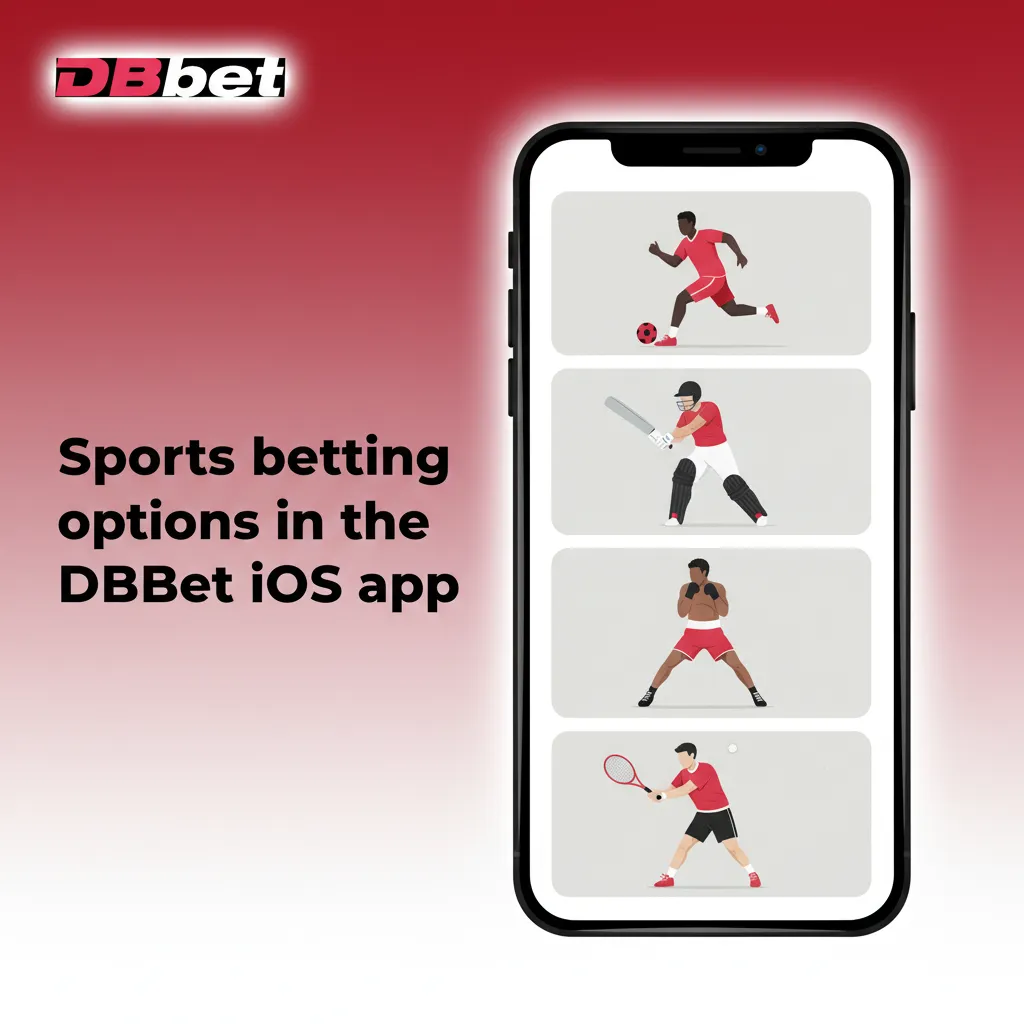
Sports betting options in the DBBet iOS app

Place pre-match and live bets in a few taps. Markets load fast and settle quickly.

  • Football
  • Basketball
  • Tennis
  • Cricket
  • Rugby
  • Volleyball
  • Table Tennis
  • MMA
  • Boxing
  • Esports

You can track odds in real time and place bets at pace.

DBBet iOS app with pre-match and live betting; real-time odds for football, basketball, tennis, cricket, rugby, and more.

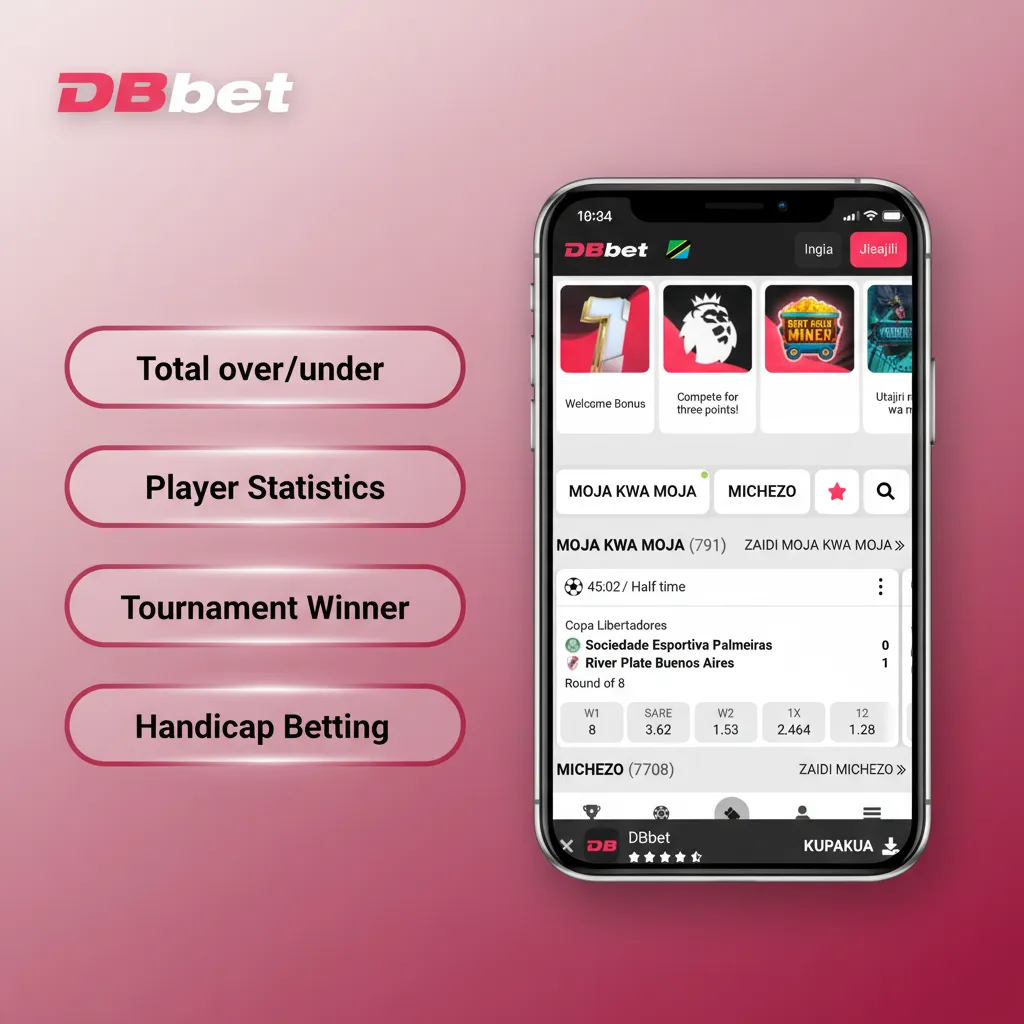
Betting types you can use in DBBet iOS

  • Single bet: one selection. Your stake rides on one outcome.
  • Accumulator: two or more picks. All must win for a bigger payout.
  • System bet: a group of combos. You can get a return even if one pick loses.
  • Handicap bet: a virtual advantage or disadvantage applied to balance teams.
  • Over or Under: predict totals like goals or points above or below a line.

These flexible bet types help you match your strategy to each market.

DBBet iOS screen showing bet types: Single, Accumulator, System, Handicap, Over/Under, with brief descriptions.

How to place your first bet on the app

It takes a few steps to go from install to your first ticket. Use local payments for faster funding.

  1. Open the DBBet iOS icon and log in.
  2. Tap Sports, choose a league, and pick a market.
  3. Tap odds to add them to your betslip.
  4. Enter stake, review potential return, and confirm.
  5. Track your open bets in the Bets section.

You can cash out early on supported markets when available.

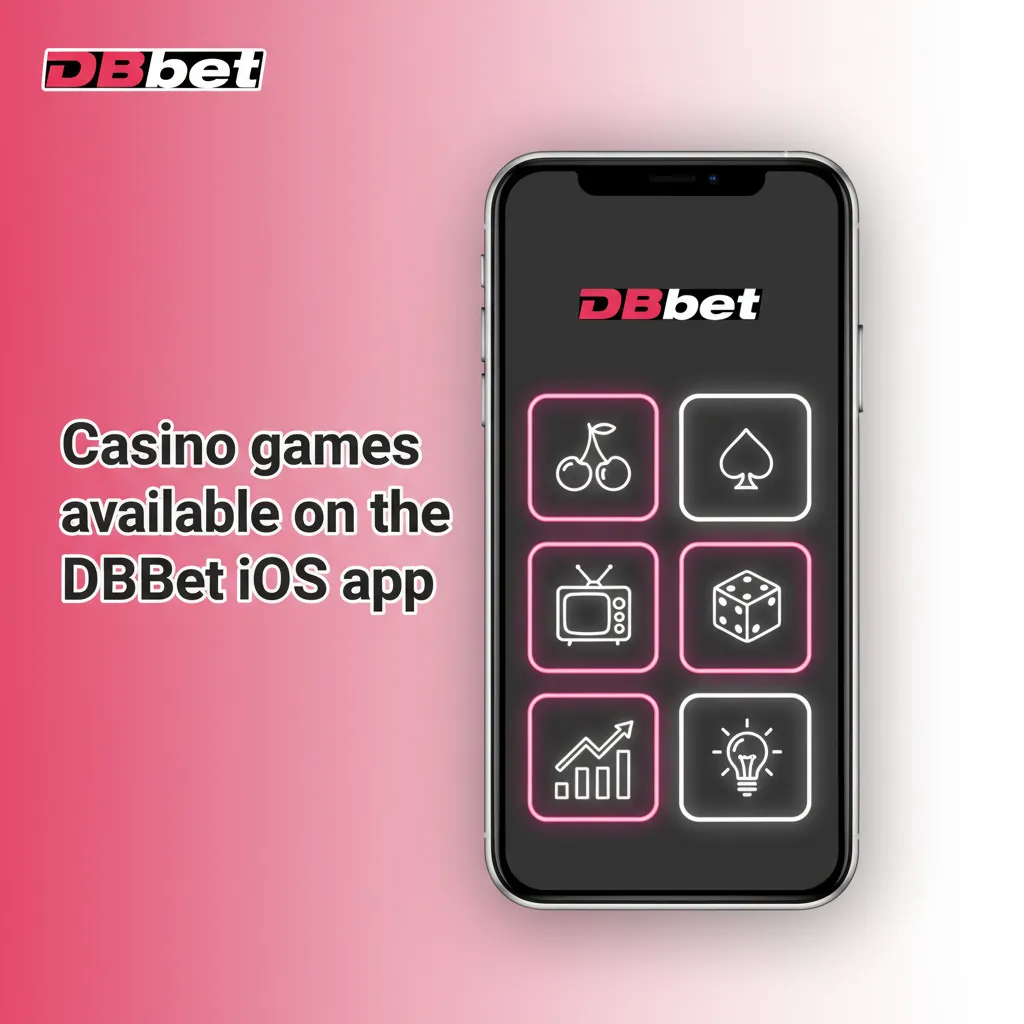
Casino games available on the DBBet iOS app

Enjoy top slots, tables, and live studios on your phone. Game lobbies load fast and keep your session stable.

  • Slots like Book of Dead, Sweet Bonanza, Gates of Olympus
  • Live Roulette and Auto Roulette
  • Blackjack, including multi-hand tables
  • Baccarat and Dragon Tiger
  • Live Game Shows such as Mega Wheel and Monopoly Live
  • Crash games like Aviator
  • Jackpot slots and Drops & Wins events
  • Poker variants like Casino Hold’em
  • Instant win and scratch games

Expect titles from leading studios such as Pragmatic Play, Play’n GO, and Evolution.

DBBet iOS app casino lobby with slots, live roulette, blackjack, baccarat, game shows, crash games, jackpots, and poker.

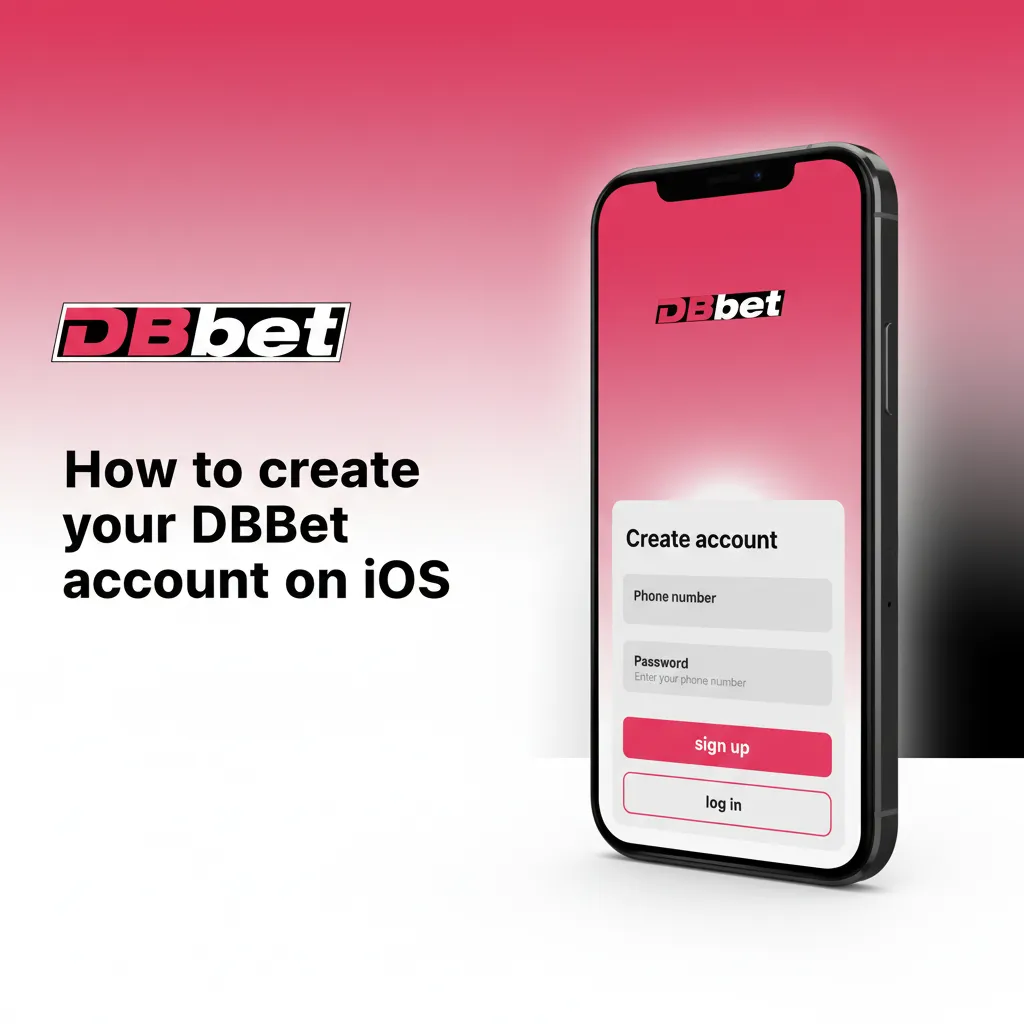
How to create your DBBet account on iOS

Sign up once and use the same login on mobile and desktop. Keep your ID ready to verify your profile.

  1. Open the DBBet icon and tap Register.
  2. Enter phone number or email, set a password, and choose currency.
  3. Fill your personal details as requested.
  4. Accept terms and confirm you are 18 or older.
  5. Submit and verify if prompted by SMS or email.

Your account will be ready for deposits and betting.

iPhone screen with DBBet signup steps on iOS: register, enter contact, set password, details, 18+ consent, SMS/email verify

How to log in to DBBet on iPhone

Access takes seconds on iOS.

  1. Tap the DBBet icon on your Home Screen.
  2. Enter phone or email and your password.
  3. Enable Face ID or Touch ID for quicker login if your device supports it.
  4. Tap Login to enter the app.

Use biometric login to save time on future sessions.

iPhone showing DBBet login screen with phone/email and password fields, plus Face ID/Touch ID option and Login button.

Updating DBBet on iOS to the newest build

You do not need to update the app manually. The iOS shortcut works like a web version and refreshes to the latest features on launch. You always use the current version when you open the icon. Enjoy new markets and fixes without any extra steps.

iPhone showing DBBet shortcut with update arrows, indicating it auto-updates to the latest version on each launch.

Payments for DBBet mobile users in Tanzania

Funding is fast and local. Typical minimum deposits start from TZS 1,000, while maximums follow your mobile money limits. Minimum withdrawals often start from TZS 2,000, and maximums depend on your provider.

  • M-Pesa
  • Tigo Pesa
  • Airtel Money
  • HaloPesa
  • Visa
  • Mastercard
  • Bank transfer

Using local wallets helps you move money faster.

DBBet Tanzania payments: M-Pesa, Tigo Pesa, Airtel Money, HaloPesa, Visa, Mastercard, bank transfer; fast local funding.

How to make a deposit on the app

Top up your account in a few taps. Funds arrive fast on local methods.

  1. Go to Profile then Deposit.
  2. Pick M-Pesa, Tigo Pesa, Airtel Money, HaloPesa, or card.
  3. Enter amount and confirm in your wallet or by OTP.
  4. Return to the app and check your new balance.

You can start betting as soon as your balance updates.

How to withdraw winnings on iOS

Cash out to the same method you used to deposit. Limits and times depend on your provider.

  1. Open Profile then Withdrawal.
  2. Choose your payout method and enter amount.
  3. Confirm the request and complete any security check.
  4. Track the status in your Transactions area.

Local mobile money can deliver payouts quickly once approved.

DBBet iOS features that matter in Tanzania

Enjoy fast access, quick bets, and local payments on iPhone. Your data is protected and your sessions are stable.

  • Local payments for Tanzania: M-Pesa, Tigo Pesa, Airtel Money, HaloPesa
  • TZS account support where available
  • 100% welcome bonus up to 1 500 € for new players
  • Full sportsbook and in-play odds
  • Casino slots, tables, live dealers, and crash games
  • Face ID or Touch ID login on supported devices
  • Fast betslip and quick settlement
  • 24/7 in-app help and self-service tools
  • Responsible gaming controls and limits

These features help you bet and play faster on mobile.

DBBet iOS promo: iPhone with sportsbook & casino, 100% bonus, Tanzanian payments M-Pesa, Tigo Pesa, Airtel Money.

Customer support for DBBet iOS users

Help is available day and night in the app. You can get answers, manage your account, and solve payment questions.

  • In-app live chat, 24/7
  • Help Centre with guides and FAQs
  • Email contact form in the app

Use live chat for the fastest response.

DBBet iOS support options: 24/7 in-app live chat, Help Centre guides and FAQs, and in-app email form; live chat is fastest.

FAQ

Keep this page saved so you can return to the Download for iOS button any time.

Is the iOS app legal to use in Tanzania?

You must be 18 or older and use the app only where online betting is permitted. Check your local laws before playing.

Can I bet in Tanzanian shillings?

Yes, you can select TZS if supported on your account. Your wallet and limits will show in your chosen currency.

Does the app support Face ID or Touch ID?

Yes, you can enable it on supported devices to speed up login.

How much data does the app use?

The iOS shortcut is light and uses browser cache. Live odds and streams can use more data, so use Wi‑Fi when needed.

Can I set deposit limits in the app?

Yes, you can set daily, weekly, or monthly limits in the Responsible Gaming section.