
Access the download option
Click the button below on this website to begin downloading the installation file.
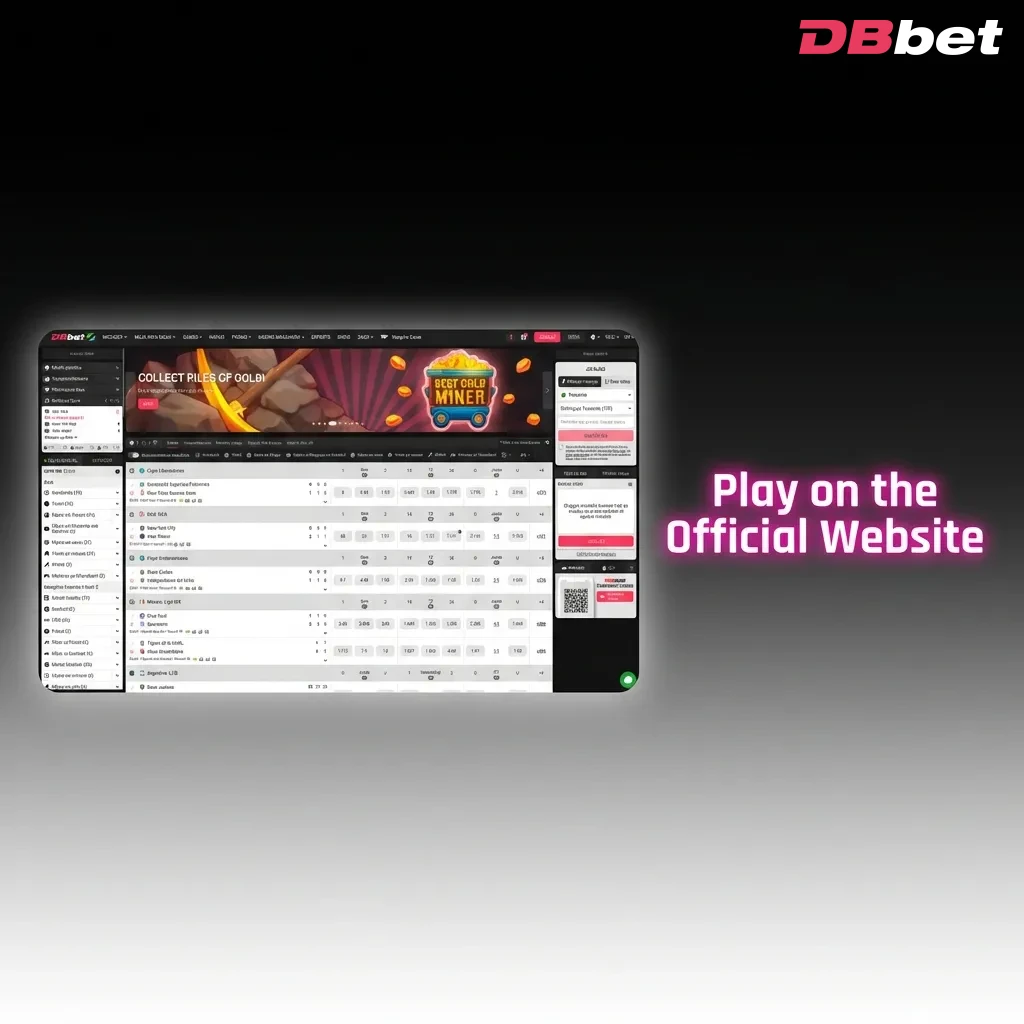
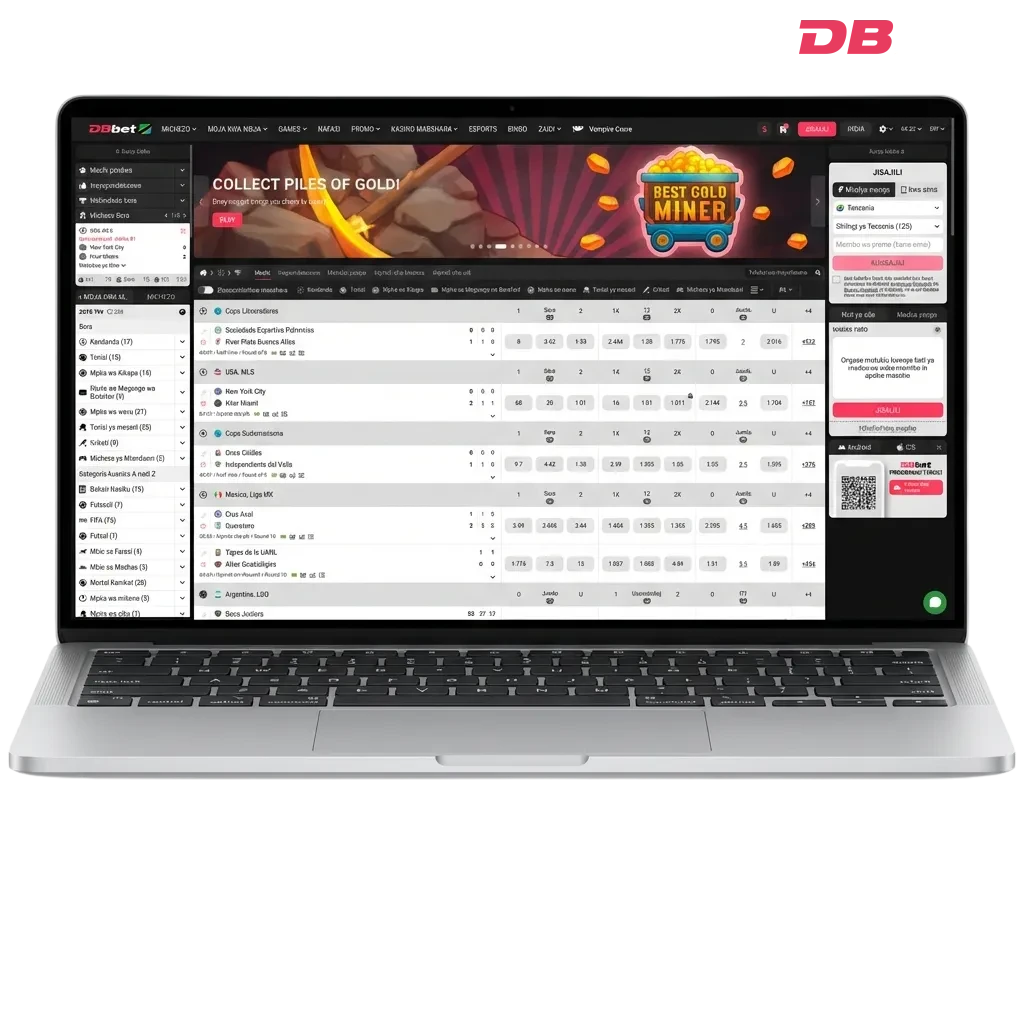
The DBBet desktop application brings live casino, roulette, slots, and table games directly to your computer. This free software runs smoothly on Windows and MacOS, delivering the same full functionality as the web platform. Desktop users benefit from faster loading times, dedicated screen space, and improved stability during gameplay.
Welcome package 1,500 EUR
The DBBet application for PC offers quick access to betting markets and casino games without opening a browser. Users enjoy better performance, no browser cache issues, and instant login every time they launch the app.
| PC Client Size | 85 MB |
| Available Languages | English, Bengali |
| Category | Sports Betting, Online Casino, Instant Games, Game Shows, Live Dealer Games, Virtual Sports |
| Compatible with Windows | Windows 7, Windows 8, Windows 10, Windows 11 |
| Compatible with macOS | macOS 10.12 and later |
Installing the DBBet app for Windows or Mac provides several advantages over browser-based play. The table below highlights key benefits and minor drawbacks to help you decide.
| Pros | Cons |
|---|---|
| Faster game loading and smoother graphics | Requires installation and updates |
| No need to keep browser tabs open | Takes up storage space on your computer |
| Dedicated interface designed for desktop screens | Limited to devices where you install the app |
| Automatic login saves time | – |
| More stable connection during live betting | – |
| Full-screen mode enhances gaming experience | – |
| Direct access through desktop icon | – |
The DBBet application for Windows runs on most systems from Windows 7 onwards. Minimal system requirements mean nearly any computer can handle the software without performance issues.
Step-by-step installation process:
Click the button below on this website to begin downloading the installation file.
Locate the downloaded file in your Downloads folder and double-click to start the installation.
Accept the terms and conditions, then click ‘Next’ through the installation screens.
The app installs within 2-3 minutes. A desktop icon appears once finished.
Double-click the icon to open the DBBet app and start betting.
The DBBet download for Windows includes automatic configuration. You do not need to adjust any settings manually.
Mac users running macOS 10.12 or newer can install the application without compatibility concerns.
Installation steps for Mac:
Click the button below on this website to download the DMG file.
Find the file in your Downloads folder and double-click to mount it.
Drag the app icon into your Applications folder when the installation window appears.
Open your Applications folder and click the app icon to start.
Mac may ask for security permission the first time. Go to System Preferences > Security & Privacy and click ‘Open Anyway’ if needed.
The DBBet app for PC on Mac behaves like any native application. You can pin it to your Dock for quick access.
Regular updates ensure the application runs smoothly and includes the latest features. The system usually notifies you when a new version is available.
How to update:
Click the desktop icon to launch the app.
Look for an update notification on the main screen, or go to Settings > About to check manually.
Click ‘Update Now’ if a new version is available. The app downloads and installs the update automatically.
Close and reopen the app to complete the update process.
Updates take only a few minutes. Your login details and preferences remain saved throughout the process.
Creating an account through the application gives you immediate access to welcome offers and betting markets. Registration takes less than five minutes.
Account creation steps:
Open the application on your computer.
Find the registration button on the main screen.
Select from mobile number, email, or social media options, then fill in the required information.
Enter the verification code sent to your mobile or email to activate your account.
Use the deposit button to add funds and start betting.
Once registered, your login details work across all platforms. You can switch between the website and application whenever needed.
Installing the application is not mandatory to enjoy betting and casino games. The official website offers full functionality through any modern browser. Users who prefer not to install software on their computer can simply visit the site and log in. All betting markets, casino games, payment methods, and promotional offers remain accessible through the web platform. The website works on any device with an internet connection.
Customer support assists desktop users with technical questions, account issues, and general queries. Multiple contact options ensure you can reach the team quickly.
Available contact methods:
| Contact Method | Details |
|---|---|
| Live Chat | Available 24/7 through the app or website |
| [email protected] – response within 24 hours | |
| Phone | +357 96 123456 (local rates apply) |
| Social Media | Facebook and Telegram channels for updates and support |
The live chat option provides the fastest response time. Support staff handle queries in English and Bengali.
Yes, your login credentials work across all platforms. You can switch between the website and the application without creating a new account.
No, you need an active internet connection to place bets and play casino games. The app connects to the platform’s servers to process all actions.
The installation file is approximately 85 MB. The app needs around 150 MB of free space after installation, including cache and temporary files.
Yes, you can uninstall it like any other program on your computer. Go to Control Panel > Programs on Windows, or drag the app to Trash on Mac. Your account remains active on the website.
The app can remember your login details if you select the ‘Remember Me’ option during sign-in. You can disable this feature in Settings if you share your computer with others.
Updated: